Examples
Each example is a routing preference plus two picks. The steps are the same as in Route your first pipe; only the settings change.
Floor drain into the side of a pipe#
| Setting | Value |
|---|---|
| Kind | + Branch |
| Route Settings | 1.00 %, Down; All 45° |
| Pipe Assignment | Determine from Selection |
| Branch Fitting | Wye, Side |
| P-Trap Settings | Off (the floor drain has its own trap) |
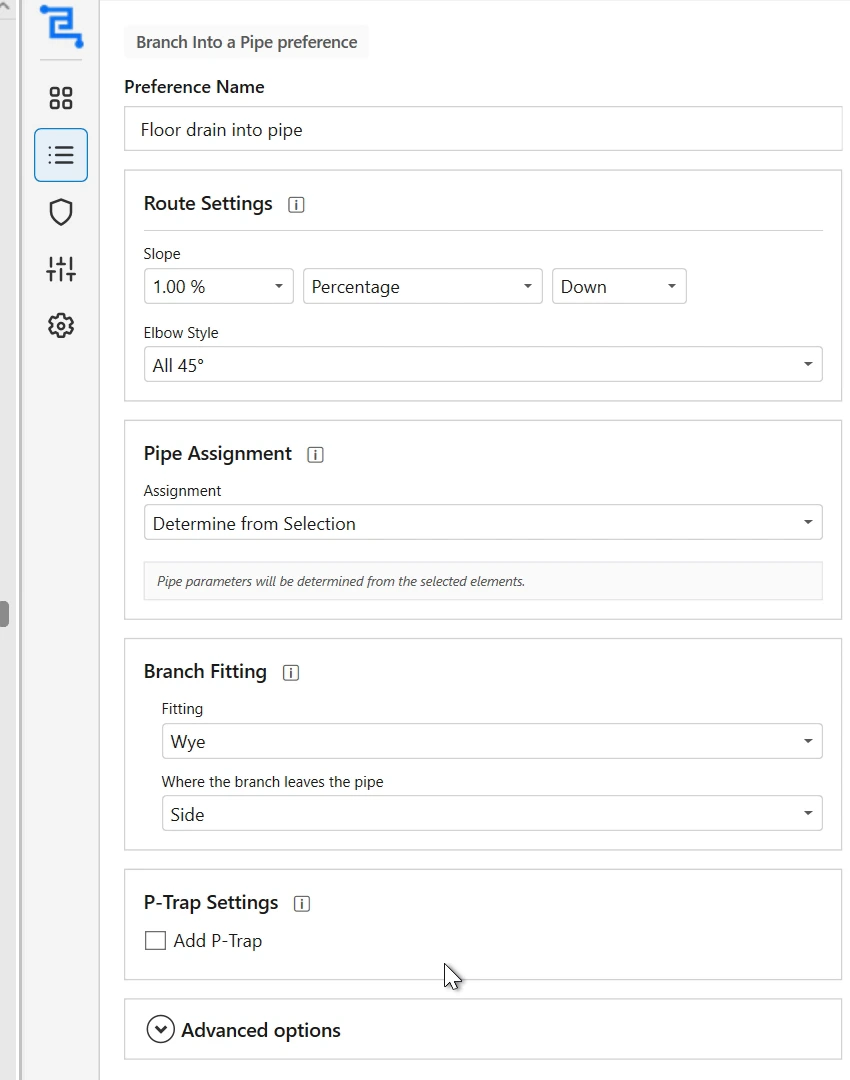
Pick start: the floor drain. Pick end: the main, where the pipe should join.
Determine from Selection takes the pipe type and system from what you pick, so you don't choose them in the card.
Sink to the open end of a pipe#
| Setting | Value |
|---|---|
| Kind | + Two Ends |
| Route Settings | 2.00 %, Down; 45° horizontal, 90° vertical |
| Pipe Assignment | Use Assigned Type: Pick from Model › click the pipe; Diameter Auto |
| P-Trap Settings | Add P-Trap ticked, your trap in P-Trap Type |
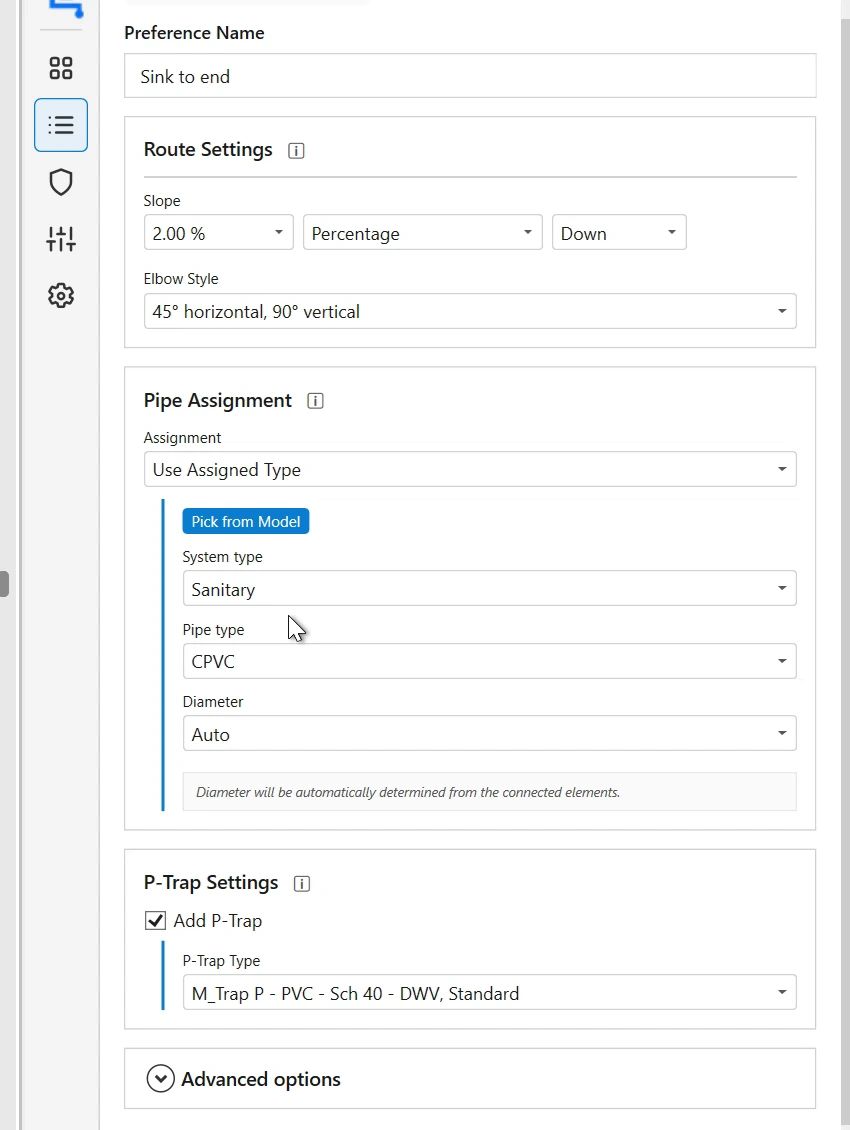
Pick start: the sink. Pick end: the pipe, near its open end.
Cold water from a sink to the main#
| Setting | Value |
|---|---|
| Kind | + Branch |
| Route Settings | 0.00 % (level); All 90° |
| Pipe Assignment | Determine from Selection |
| Branch Fitting | Tee, Up |
| P-Trap Settings | Off |
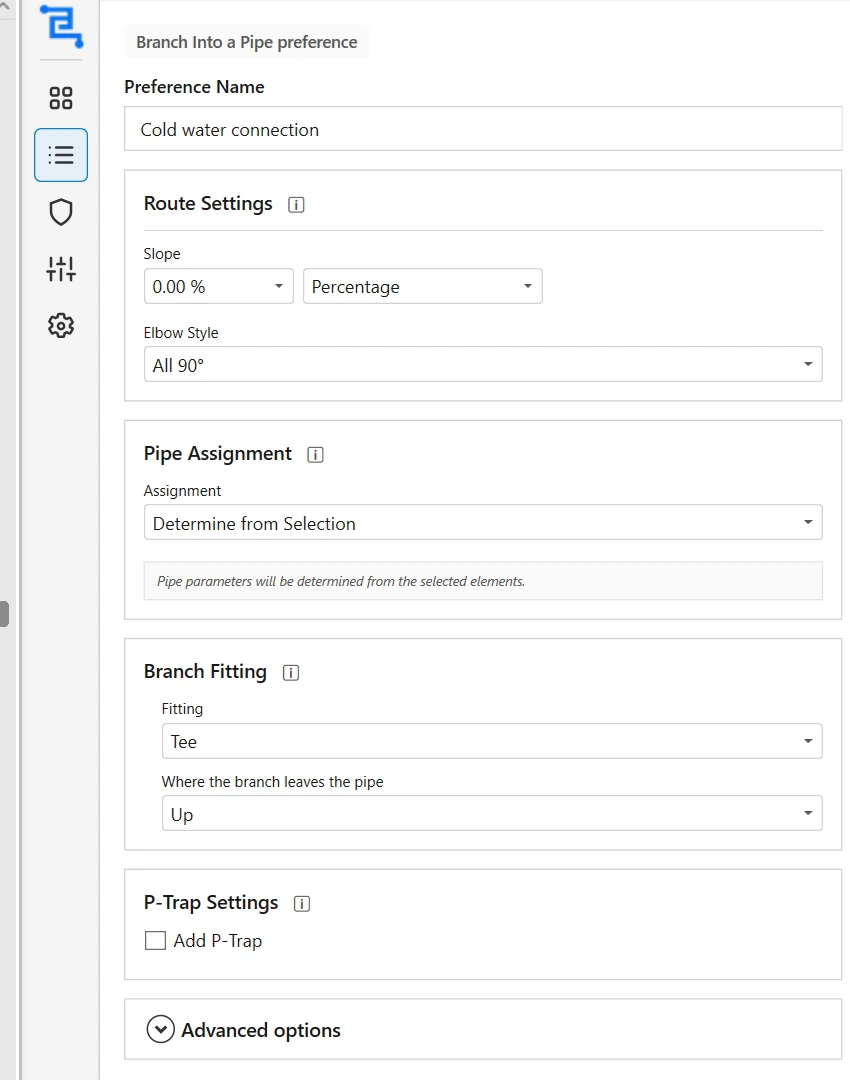
Pick start: the sink, near its cold-water connector. Pick end: the cold-water main.
Plumbing Copilot uses the sink's connector that matches the system, here the cold water.